⚡Quick Answer
Choose MacBook Air if:
- ✓ You're a student or everyday user
- ✓ Portability is your top priority (1.49kg)
- ✓ Budget is important (starts at £1,099)
- ✓ You need all-day battery (20+ hours)
- ✓ Basic tasks, web browsing, light creative work
Choose MacBook Pro if:
- ✓ You're a professional or power user
- ✓ You do video editing, 3D work, or coding
- ✓ You need sustained performance
- ✓ Better display and speakers matter
- ✓ You want M4 Pro/Max chip options
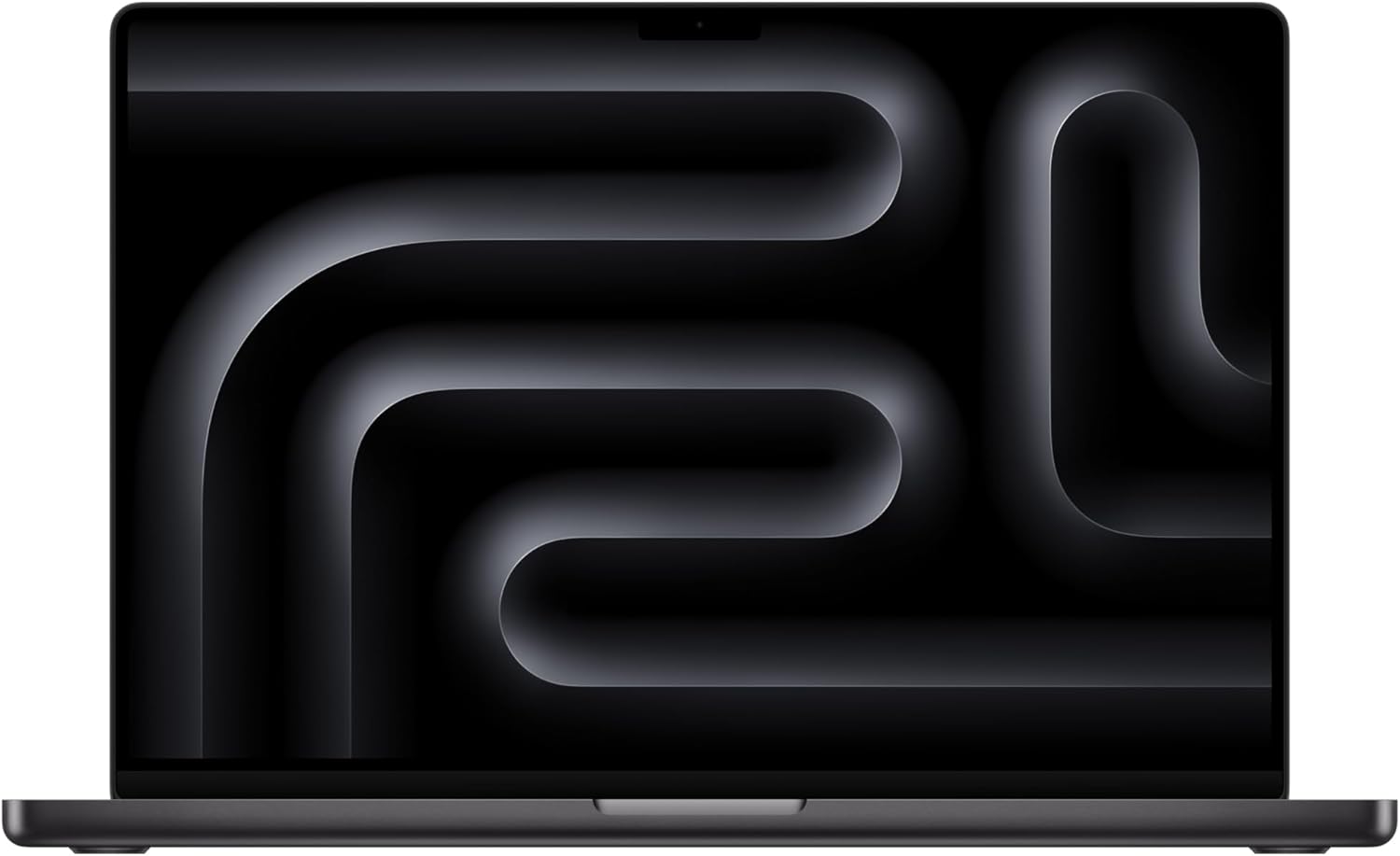
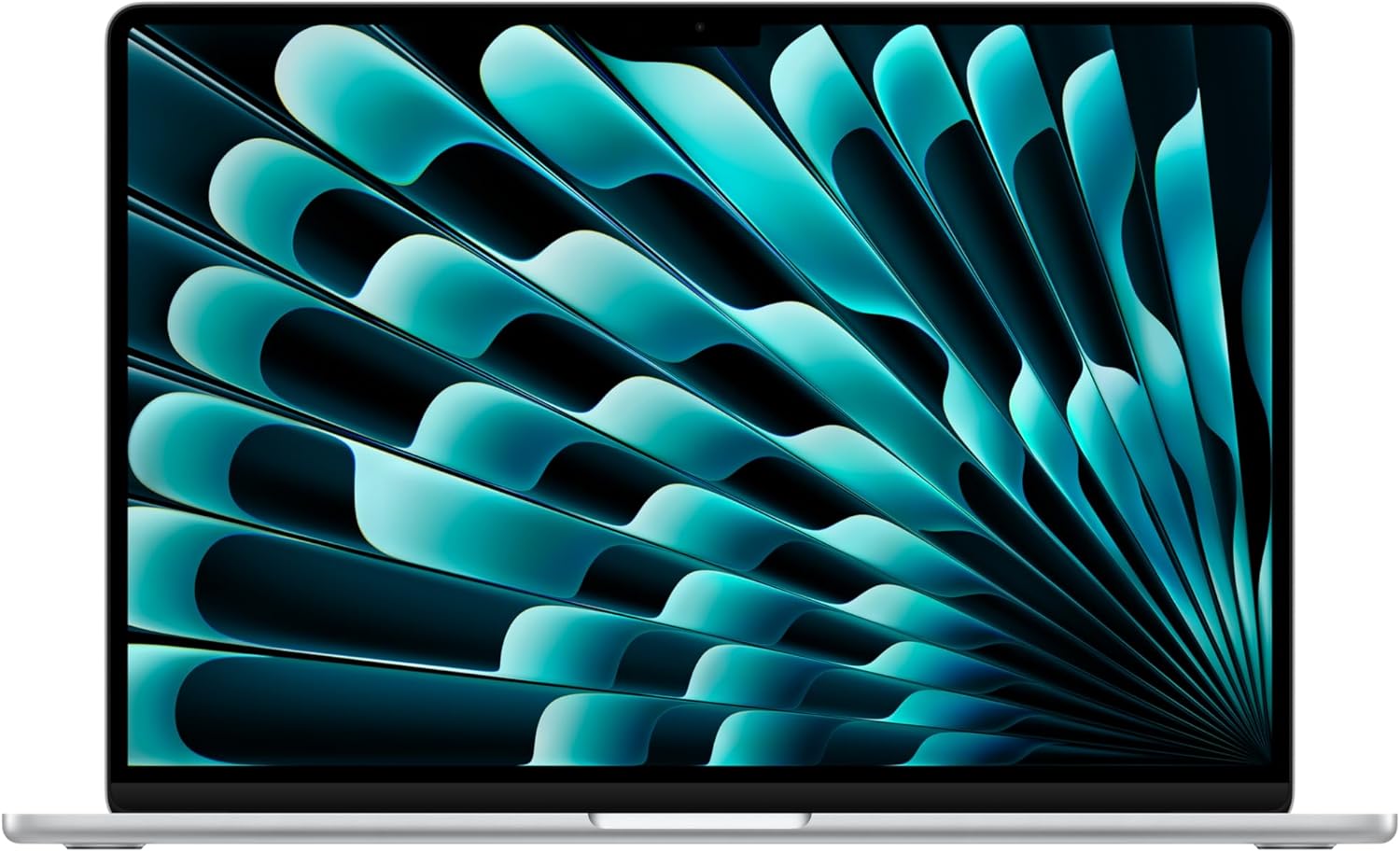
📊Specifications Comparison
| Feature | MacBook Air M4 | MacBook Pro M4 Max |
|---|---|---|
| Processor | Apple M4 | Apple M4 Max (12-core) |
| RAM | Up to 32GB | Up to 64GB |
| Storage | Up to 1TB | Up to 2TB |
| Display | 15.3" Retina @ 120Hz | 16" Liquid Retina XDR @ 120Hz |
| Battery Life | Up to 20 hours | Up to 22 hours |
| Weight | 1.49 kg | 2.15 kg |
| Ports | 2x Thunderbolt 4 | 3x Thunderbolt 5, HDMI, SD card |
| Speakers | 4-speaker system | 6-speaker system |
| Starting Price | £1,099 | £3,299 |
🚀Performance Differences
Everyday Tasks
Winner: Tie
Both handle web browsing, email, documents, and video streaming effortlessly. The Air is actually slightly faster to wake from sleep due to no fans.
Video Editing
Winner: MacBook Pro
The M4 Max is 2-3x faster at video export. The Pro's active cooling allows sustained performance during long renders without throttling.
Photo Editing
Winner: MacBook Air
The M4 in the Air handles Lightroom and Photoshop beautifully. Unless you're editing 100MP RAW files, you won't notice a difference.
Coding & Development
Winner: MacBook Pro
Compiling large projects is significantly faster on the Pro. The extra RAM options (up to 64GB) are crucial for running multiple VMs or containers.
3D Rendering
Winner: MacBook Pro
No contest. The M4 Max's 40-core GPU crushes 3D work in Blender, Cinema 4D, and similar apps. The Air will struggle and thermal throttle.
🎒Portability & Build
MacBook Air
- Weight: 1.49kg - Ultra portable
- Thickness: 11.3mm - Fits easily in bags
- Design: Wedge shape, iconic look
- Colors: Midnight, Starlight, Space Grey, Silver
- Cooling: Fanless (silent)
Perfect for: Students, travelers, coffee shop workers
MacBook Pro
- Weight: 2.15kg - Heavier but manageable
- Thickness: 16.8mm - Chunkier build
- Design: Squared edges, professional
- Colors: Space Black, Silver
- Cooling: Active fans (audible under load)
Perfect for: Professionals, desk workers, power users
🖥️Display Comparison
Brightness: Pro Wins
Pro: 1000 nits sustained, 1600 nits peak HDR | Air: 500 nits. The Pro is dramatically better in bright environments and for HDR content.
Color Accuracy: Pro Wins
Both have excellent color, but the Pro's XDR display with mini-LED offers better contrast and reference-quality accuracy for professionals.
ProMotion: Tie
Both have 120Hz ProMotion displays. Scrolling and animations are equally smooth on both models.
💰Value & Pricing
MacBook Air: Best Value
Starting at £1,099
The Air offers 95% of the Pro's capabilities for less than half the price. For most users (students, office workers, content consumers), it's all you need.
Best configurations:
- • Base model (8GB/256GB): £1,099 - Students, basic use
- • 16GB/512GB: £1,449 - Most users (recommended)
- • 24GB/1TB: £1,899 - Power users on budget
MacBook Pro: Premium Performance
Starting at £1,999 (M4 Pro) / £3,299 (M4 Max)
Worth it if you're a professional who earns money with your Mac. Video editors, developers, and 3D artists will recoup the cost through time savings.
Best configurations:
- • M4 Pro 14" (16GB/512GB): £1,999 - Developers, creators
- • M4 Max 14" (32GB/1TB): £2,899 - Video editors
- • M4 Max 16" (64GB/2TB): £4,299 - Professional studios
🏆Final Verdict
MacBook Air M4: Best for Most People
The Air is the laptop we recommend to 80% of people. It's fast, portable, has incredible battery life, and costs £2,200 less than the Pro. Unless you know you need Pro power, get the Air.
Rating: 9.5/10 for value
MacBook Pro M4 Max: Best for Professionals
If you edit 4K video, compile large codebases, or render 3D scenes, the Pro pays for itself. The performance gap is real and noticeable for pro workflows. Worth every penny for the right user.
Rating: 9.8/10 for professionals